.svg)
.svg)


Hire a migration team when the site already earns traffic, leads or revenue, because that is what is at risk. A professional migration covers planning, redirects, SEO preservation, content, integrations, testing and post-launch monitoring.
Yes, you can move a website from one platform to another yourself. But if the website already brings in traffic, generates leads, or supports important business operations, professional website migration services can protect you from problems that may not show up until after launch.
A website migration is rarely just a matter of moving files. URLs change. Content structures change. CMS fields may need to be rebuilt. SEO settings can get lost. Integrations can stop working. Even small changes to the way pages are structured can affect how users and search engines interact with the site.
The larger and more established the website, the more there is to protect.
A professional migration team isn't simply there to move the website. They're responsible for identifying what could go wrong, planning around those risks, testing the new setup, and making sure the business continues to operate after the switch.
So when is professional website migration worth it?
When Should You Hire Professional Website Migration Services?
Not every website needs an agency to handle a migration. A small site with a handful of pages and little organic traffic may be manageable in-house.
The equation changes when the website is already an important business asset.
Your Website Gets Significant Organic Traffic
If Google sends a meaningful amount of traffic to your website, migration needs to be treated as an SEO project as well as a development project.
A site may have hundreds or thousands of indexed URLs, backlinks pointing to older pages, and years of accumulated search visibility. Changing those URLs without a plan can result in traffic and rankings dropping after launch.
SEO work needs to start before the new website goes live, not once the damage has already happened.
Your Website Has a Large or Complex Content Structure
Professional support becomes more valuable when your website contains:
- Hundreds of pages
- Multiple content types
- Blog archives
- Categories and tags
- Resource libraries
- Documentation
- Multiple page templates
- Custom fields
With a larger website, the risk isn't only that something breaks. It's that something gets forgotten.
A content audit can help identify which pages are driving traffic, which URLs need to remain, and which content should be updated, consolidated, redirected, or retired.
You're Changing Domains or URL Structures
Changing a domain is a bigger move than changing the visual design of a website.
If URLs are changing too, every important old URL needs a destination on the new website. A structured redirect map creates that relationship:
Old URL → New URL
This is especially important for pages with existing rankings and backlinks.
You're Moving to a Different CMS
A CMS migration can involve much more than exporting content from one system and importing it into another.
The new platform may organize content differently. Custom fields may need to be recreated. Templates may need to be rebuilt. Media may need to be reorganized. Features provided by plugins or extensions may need entirely different solutions.
For example, moving from WordPress to Webflow requires decisions around content structure, functionality, SEO settings, redirects, and integrations, not simply transferring pages.
Your Website Supports Important Business Functions
Your website may be connected to systems your business relies on every day, including:
- Lead forms
- CRM systems
- Analytics
- Marketing automation
- Payment platforms
- Search functionality
- Third-party tools
- Custom functionality
A migration isn't successful if the homepage looks perfect but your sales team stops receiving leads.
What Does a Professional Website Migration Team Actually Handle?

This is where professional migration work goes beyond moving content.
Migration Planning
Before anything is moved, the team should establish:
- What is being migrated
- What is changing
- What stays the same
- What needs to be rebuilt
- What could create risk
- What needs to happen before launch
- What needs to be monitored after launch
The migration should have a defined process rather than being treated as a single launch-day task.
This is particularly important when migration and redesign happen together. The team needs to separate necessary changes from changes that could introduce unnecessary risk.
Website and Content Audit
The existing website should be documented before the new one is built.
The audit should identify:
- Important pages
- Existing URLs
- Content types
- Metadata
- Images and media
- Internal links
- High-performing pages
- Pages that should be redirected
- Pages that should be updated or retired
The goal is to know what you're working with before deciding what gets moved.
URL Mapping and Redirects
One of the most important migration tasks is mapping old URLs to their new destinations.
For example:
/services/web-design → /website-design
That mapping then needs to be implemented with the appropriate redirects.
The team should account for:
- 301 redirects
- Changed URLs
- Deleted pages
- Broken URLs
- Redirect chains
- Important legacy pages
A 301 redirect tells search engines and users that a page has permanently moved to a new location, making it an important part of preserving existing URL signals during a migration.
SEO Preservation
SEO migration work should cover the elements that help search engines understand and index the website.
Depending on the site, this may include:
- Title tags
- Meta descriptions
- Canonical tags
- Indexation settings
- Structured data
- XML sitemap
- Robots directives
- Internal links
- Image alt text
- Existing search visibility
The objective isn't necessarily to keep every existing SEO element unchanged. Some should be improved during the migration.
The important part is knowing what exists, deciding what needs to change, and making those changes deliberately. This is particularly important when moving from WordPress to Webflow, where metadata, redirects, sitemap setup, and content structure may all need to be accounted for.
CMS and Content Migration
The actual migration may involve:
- Pages
- Blog posts
- Images
- Categories
- Authors
- Custom fields
- Structured content
- Downloads
- Media files
Some content can be exported and imported. Other content needs to be manually rebuilt or reformatted.
This is why content migration should be treated as a structured process rather than a copy-and-paste job.
Design and Template Implementation
If you're redesigning the website at the same time, migration becomes even more involved.
The team may need to:
- Rebuild templates
- Recreate content relationships
- Preserve important page structures
- Implement responsive layouts
- Recreate functionality
- Improve navigation
- Support intended user journeys
The new website should not simply reproduce the old one with a different visual style. Migration is often an opportunity to fix structural problems that have accumulated over time.
Integrations and Functionality
Every important connection should be identified and tested.
That may include:
- Forms
- CRM connections
- Analytics
- Marketing automation
- Search
- Payments
- Scheduling tools
- Third-party platforms
- Custom scripts
A migration can change how these systems connect to the website, even when the visible page looks exactly right.
QA and Testing
Before launch, the new website should be tested across the areas that matter most.
That includes:
- Internal and external links
- Redirects
- Forms
- Mobile layouts
- Desktop layouts
- Images
- Navigation
- Interactive elements
- Integrations
- Analytics tracking
- Page performance
Testing should happen before the site goes live, not with real customers after launch.
Launch and Post-Launch Monitoring

Going live isn't the finish line.
After launch, the team should monitor:
- 404 errors
- Redirect issues
- Indexation
- Organic traffic
- Rankings
- Analytics
- Form submissions
- Conversion tracking
- Technical errors
- Page performance
The first days and weeks matter because some migration issues only become visible once search engines begin crawling the new website and users start interacting with it.
What Can Go Wrong Without Professional Migration Support?
The biggest migration problems aren't always obvious on launch day.
Rankings Drop
Missing redirects, deleted pages, incorrect indexation settings, and technical SEO issues can reduce organic visibility.
A website can look completely fine to a visitor while its search performance is deteriorating underneath.
Important Content Gets Lost
A rushed migration can leave behind:
- Pages
- Blog posts
- Metadata
- Images
- Custom fields
- Structured content
This is particularly risky on large websites where nobody has a complete picture of every piece of content.
URLs Break
If an old URL no longer exists and there is no appropriate redirect, users can land on a 404 page.
This can also affect search engines trying to access previously indexed pages.
Tracking Stops Working
Analytics scripts, conversion events, pixels, or CRM connections may not be carried over correctly.
The website may still generate leads, but your team could lose visibility into where those leads are coming from.
Functionality Breaks After Launch
Forms, search, payments, integrations, and other features can work perfectly on the old website and fail on the new one.
That's why migration QA needs to test functionality, not just appearance.
The real measure of a successful migration isn't “the new website loads.”
It's “the new website is live and the business still works.”
Can You Migrate a Website Yourself?
Yes. A professional migration isn't necessary for every website.
DIY Migration May Work When:
- The website is small.
- There are few URLs.
- There is little organic traffic to protect.
- The platform change is straightforward.
- There are minimal integrations.
- Someone on the team understands the technical and SEO requirements.
For a small five-page website, hiring a full migration team may add unnecessary cost.
Professional Help Is Safer When:
- The website is large.
- Organic traffic is important.
- URLs are changing.
- You're changing domains.
- You're changing CMS platforms.
- The website has complex integrations.
- You're redesigning while migrating.
- The website generates significant leads or revenue.
The more business value tied to the existing website, the more expensive a migration mistake can become.
How to Choose a Website Migration Services Provider
Ask whether they can handle bulk redirects, content migration, SEO configuration, and testing within your chosen platform. For Webflow projects, the platform supports bulk 301 redirect imports, which can be useful when dealing with larger URL migrations.
Look for Both Technical and SEO Expertise
A team that only knows how to rebuild websites isn't enough.
Your migration provider should understand both:
Technical migration + SEO preservation
They should know how changes to the CMS, URLs, templates, redirects, content, and technical setup can affect search visibility.
Ask About Their Migration Process
Don't settle for a vague answer like “We'll take care of it.”
Ask:
- How do you audit the existing website?
- How do you document existing URLs?
- How do you handle URL mapping?
- How do you preserve SEO?
- How do you test redirects?
- How do you migrate content?
- How do you test integrations?
- What happens before launch?
- What do you monitor after launch?
The answers should give you a picture of an actual process.
Ask What Happens After Launch
A provider shouldn't disappear immediately after deployment.
Ask whether they monitor:
- 404 errors
- Redirects
- Organic traffic
- Rankings
- Indexation
- Analytics
- Forms
- Conversions
- Technical issues
Post-launch monitoring gives the team a chance to catch problems while they're still manageable.
Website Migration Services Checklist
Use this checklist when evaluating a migration project:
- ☐ Existing website audited
- ☐ URLs documented and mapped
- ☐ Redirects planned and tested
- ☐ SEO metadata preserved
- ☐ Content migrated correctly
- ☐ Images and media checked
- ☐ CMS structure tested
- ☐ Integrations tested
- ☐ Forms tested
- ☐ Analytics verified
- ☐ Mobile and desktop QA completed
- ☐ 404s checked
- ☐ XML sitemap updated
- ☐ Post-launch monitoring planned
A Good Migration Protects More Than Your Website
A website migration is a business transition, not just a technical move.
The right migration team should protect what already works while giving you room to improve what doesn't.
The goal isn't simply:
“The new website is live.”
It's:
“The new website is live, our important content and functionality are intact, and we haven't sacrificed the SEO and traffic we've already built.”
If you're planning a migration, NUUX can help with the strategy, UX, design, development, and technical considerations involved in moving a website to a better-performing platform.
Want results like this
Your website should make money, not excuses. Let us find the revenue hiding in your current experience.
FAQs
Quick answers to the questions we hear most about website conversion and UX design.
Website migration services help plan, execute, test, and monitor a website move while protecting its content, SEO, functionality, and user experience.
Consider professional help if your website is large, gets significant organic traffic, has complex URLs or integrations, or you're changing domains or CMS platforms.
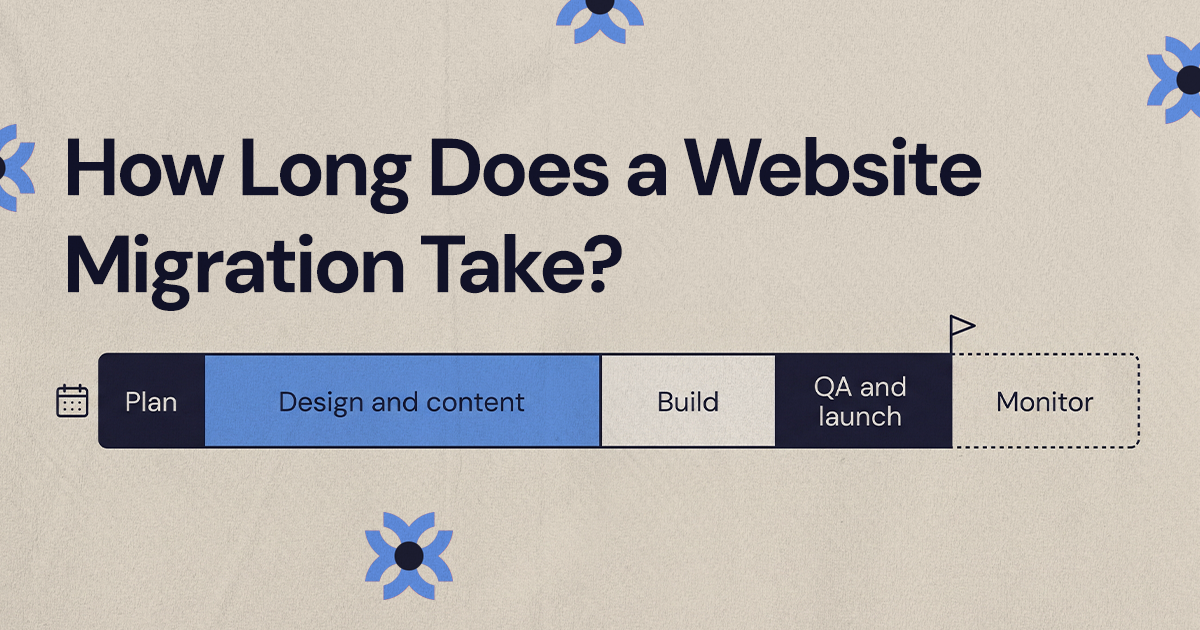
It depends on the website's size, content volume, CMS, integrations, and whether redesign or development is included. A small migration may take days, while a larger project can take several weeks or more.
Yes. Poor redirects, lost content, incorrect indexation, broken links, and other technical mistakes can negatively affect organic visibility.
Check redirects, 404s, indexation, rankings, organic traffic, analytics, forms, integrations, links, and key website functionality.
Related articles
More field notes on conversion, UX, and building websites that sell.