.svg)
Webflow vs WordPress for Agencies: Which Platform Wins in 2026
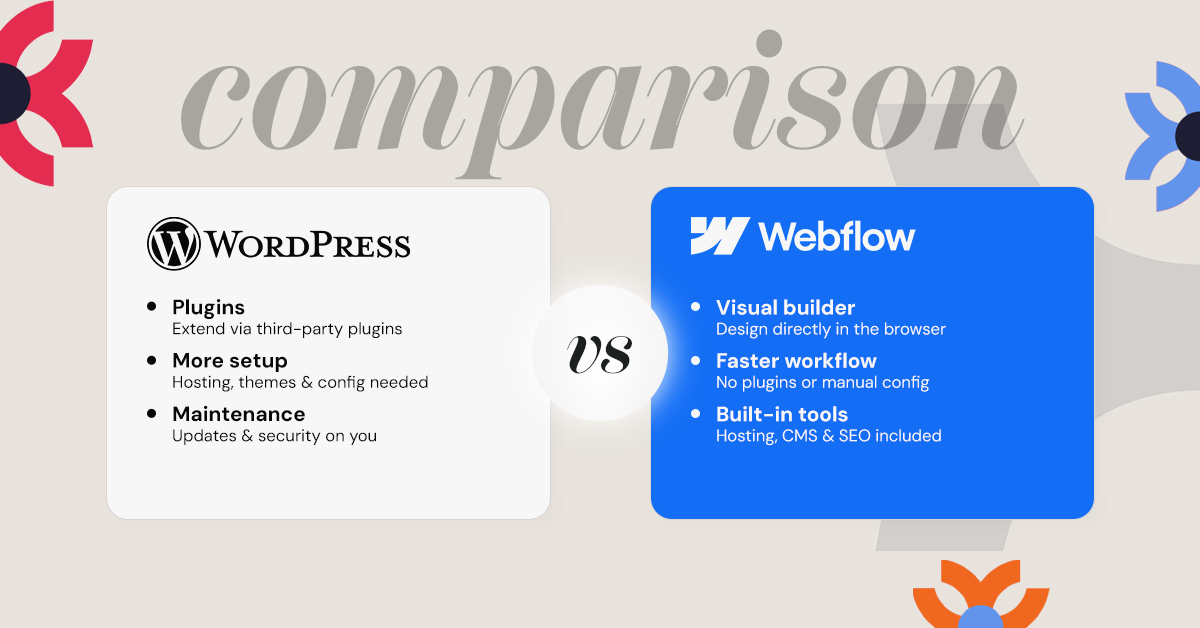
Choosing the right platform for your agency is crucial. In 2026, Webflow and WordPress remain top contenders. Both offer unique features and benefits.
Webflow is known for its visual design interface. It allows designers to create without coding. This appeals to agencies focused on aesthetics.
WordPress, on the other hand, is highly customizable. It boasts a vast library of plugins and themes. This makes it versatile for various projects.
Agencies must consider several factors. These include ease of use, design flexibility, and content management. Hosting, performance, and SEO capabilities are also important.
E-commerce features and security are critical too. Pricing and total cost of ownership can influence decisions. Migration and platform flexibility should not be overlooked.
Community support and resources play a role in platform choice. Agencies need reliable support for troubleshooting and innovation. Both platforms offer extensive communities and resources.
This article will explore these aspects in detail. It aims to help agencies decide which platform wins in 2026.
Overview: Webflow and WordPress in 2026
In 2026, Webflow and WordPress continue to dominate the web design landscape. They cater to different needs yet overlap in several areas. Agencies find them indispensable for various reasons.
Webflow excels in design-centric projects. It offers a no-code environment that empowers creative professionals. This approach enhances productivity for teams focused on innovative design.
WordPress remains a heavyweight with over 40% market share. Its flexibility is unmatched, driven by an open-source community. This makes it ideal for complex, large-scale projects.
Key attributes of Webflow and WordPress in 2026
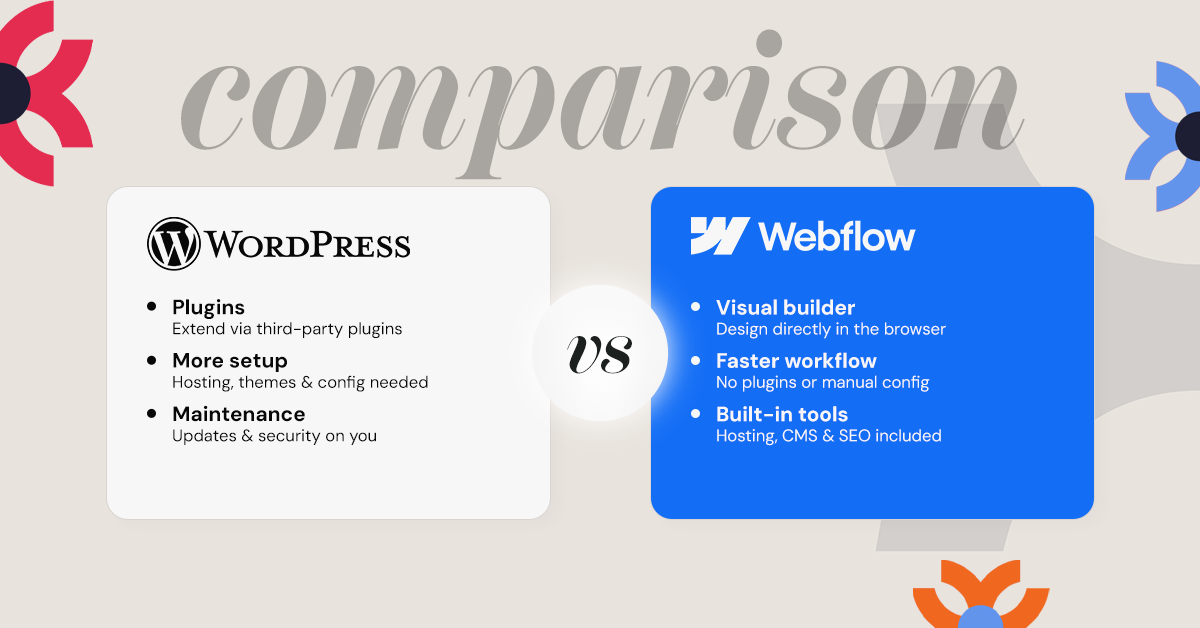
Webflow
- Visual interface
- Built-in CMS
- Real-time collaboration
WordPress
- Extensive plugins
- Open-source development
- Multisite capability
Webflow’s “all-in-one” architecture (design + CMS + hosting) reduces reliance on third-party tools, which is widely recognized as a major factor in reducing technical overhead and improving performance consistency compared to plugin-heavy ecosystems.
Agencies evaluating these platforms must consider their specific demands. Webflow's integrated ecosystem supports seamless workflows, ideal for design-focused projects. WordPress offers extensive functionality through plugins, making it versatile for varied websites.
Ease of Use and Learning Curve
Webflow stands out for its intuitive, visual interface. Designers love its drag-and-drop functionality. This allows them to experiment freely without coding knowledge.
WordPress, on the other hand, offers significant customization through its extensive features. However, mastering WordPress can be challenging. It has a steeper learning curve due to its complexity.
In 2026, agencies must weigh the trade-offs between ease and power. Webflow reduces the time needed for team training. WordPress might require more thorough onboarding processes.
Consider these ease-of-use factors:
- Webflow: User-friendly interface, quick to learn, supportive community
- WordPress: Flexible customization, requires technical knowledge, large support network
Choosing between Webflow and WordPress often depends on an agency’s expertise level. If the team prioritizes quick project completion without coding, Webflow may be ideal. Agencies with developers who can handle complex builds might lean toward WordPress. Ultimately, the choice should reflect the team's skills and project needs.
Design Flexibility and Templates
Webflow shines in design flexibility. It allows designers to create custom designs without constraints. Agencies can avoid relying solely on Webflow templates, offering unique and personalized client websites.
WordPress also boasts extensive design options. With thousands of themes, agencies can find almost any style needed. However, customization might require coding skills or additional plugins.
Webflow's modern tools appeal to agencies prioritizing aesthetics. Its responsive design capabilities ensure sites look great across all devices. Designers can transform their visions into reality without compromise.
Consider the strengths of each:
- Webflow Templates: Modern, responsive, customizable
- Webflow Design: No-code, visual, innovative
WordPress, meanwhile, offers flexibility through its massive theme library. Agencies can modify themes to match specific client demands. But, extensive modifications might lead to compatibility issues.
- WordPress Themes: Vast selection, customizable, plugin-friendly
- WordPress Design: Flexible, code required, versatile
Agencies should assess their design priorities. If creativity without boundaries is essential, Webflow may be the right choice. Those needing a variety of ready-to-use themes could find WordPress more aligned with their approach. Balancing creativity and practicality is key to this decision.
Content Management and Collaboration
Webflow provides a seamless experience in content management. Its integrated CMS is intuitive, allowing agencies to manage content efficiently. Clients can also easily update their websites, enhancing collaboration.
WordPress, a renowned CMS, offers flexibility but requires plugins for a similar user experience. The WordPress interface might feel more complex initially. However, its flexibility allows customization of the content structure to suit diverse needs.
For agencies, collaboration is crucial. Webflow addresses this with real-time collaboration tools, promoting teamwork. Design and content teams can work together harmoniously within the platform.
Key highlights of both platforms include:
- Webflow: Integrated CMS, real-time collaboration, client-friendly
- WordPress: Flexible CMS, plugin-dependent, customizable
WordPress offers content management suited for extensive website projects. Agencies can tailor the CMS to provide tailored client experiences. The trade-off lies in setup complexity, balancing ease of use with customization. Choosing the right platform depends on the specific content and collaboration needs of the agency.
Hosting, Performance, and Scalability
Webflow provides built-in hosting services, simplifying setup for agencies. This means no third-party hosting worries. The platform offers fast load times, enhancing user experiences and optimizing for SEO.
In contrast, WordPress requires selecting a suitable hosting provider. This allows for more customization based on needs. Performance on WordPress hinges significantly on the hosting choice and plugin management.
Scalability is key for growing agencies. Webflow scales effortlessly with increased traffic without much intervention. It's particularly suited for agencies anticipating rapid growth.
WordPress, known for its scalability, handles high traffic well with the right optimization. It thrives in environments where flexibility and handling complexity are vital. This makes it appealing to varied agency types.
Key considerations include:
- Webflow: Built-in hosting, smooth scalability, auto-optimization
- WordPress: Requires third-party hosting, highly scalable with configuration, performance dependent on hosting choice
Each platform has strengths in hosting and performance. Agencies should assess their specific scalability needs and resources before deciding.
SEO Capabilities and Tools
SEO is crucial for agencies aiming for high visibility. Webflow offers built-in SEO tools designed to streamline optimization. Its clean and semantic code output is a significant advantage for enhancing SEO performance.
WordPress, on the other hand, requires additional plugins to achieve advanced SEO functionalities. Popular plugins like Yoast SEO provide robust options for optimization. This feature allows agencies more control but also increases the dependency on third-party tools.
The platform choice impacts how agencies manage SEO strategy and execution. Webflow’s integrated approach reduces effort on SEO implementation. This can be appealing to agencies seeking simplicity and less reliance on plugins.
Key points of comparison in SEO capabilities include:
- Webflow: Built-in tools, cleaner code, automatic improvements
- WordPress: Plugin-based SEO, extensive options, requires management
Each platform offers SEO strategies tailored to different needs. Agencies need to weigh the complexity and flexibility requirements to choose the optimal path.
E-commerce Features and Integrations
For agencies diving into e-commerce, platform capabilities are crucial. Webflow is quickly enhancing its e-commerce features, providing a seamless experience for designers. It allows the creation of custom and unique online storefronts without relying heavily on templates.
WordPress boasts a well-established e-commerce landscape with WooCommerce. This plugin offers robust functionalities, making WordPress a preferred choice for comprehensive online stores. WooCommerce integrates effortlessly and provides a wide range of customization options.
Webflow offers a more cohesive experience with built-in tools that reduce reliance on external plugins. This can be advantageous for agencies looking for straightforward integration. However, WordPress's flexibility allows for the expansion of features, which can be a game-changer for many agencies.
Key aspects of e-commerce on these platforms include:
- Webflow: Integrated tools, simpler start, design-focused
- WordPress: Extensive plugins, customization potential, mature ecosystem
Both platforms support the growth of e-commerce businesses, but their methods and strengths differ. Agencies must align platform choice with client needs and project scope.
Security and Maintenance
Security is paramount in web development. Webflow handles security by managing site hosting and includes automatic SSL certificates for secure connections. This reduces the maintenance burden on agencies.
WordPress, on the other hand, relies on regular updates and plugins for security. Agencies must actively manage updates to keep sites secure. This can mean additional time and resources dedicated to maintenance.
Automatic updates in Webflow ensure that agencies spend less time on routine tasks. This feature allows for a more streamlined process when managing multiple client sites.
WordPress demands a more hands-on approach. Agencies need to consider factors like compatibility and backup solutions, which can become resource-intensive.
Key Security Features:
- Webflow: Automatic SSL, less manual work, integrated safety
- WordPress: Plugin dependencies, manual updates, customizable solutions
Maintenance Factors:
- Webflow: Automatic updates, reduced downtime, predictable schedules
- WordPress: Requires planning, potential issues, greater control
Ultimately, agencies must weigh convenience against control to select the best platform for their clients.
Pricing and Total Cost of Ownership
Pricing is a crucial consideration for agencies selecting a platform. Webflow operates on a subscription-based model, providing predictable costs each month. This can be particularly advantageous for budgeting purposes.
In contrast, WordPress can appear cost-effective initially, as the platform itself is free. However, additional costs quickly accumulate. Agencies often need to pay for themes, plugins, and third-party hosting services.
With Webflow, agencies benefit from an all-in-one package. The cost includes hosting, SSL certificates, and necessary updates. This consolidated approach can simplify financial planning for agency budgets.
WordPress offers a flexible cost structure. By choosing different hosting providers and plugin options, agencies can tailor their expenses. Yet, this flexibility sometimes leads to unpredictability in monthly expenditures.
Webflow Cost Components:
- Subscription fees
- Built-in hosting
- Integrated updates
WordPress Cost Components:
- Hosting services
- Paid themes and plugins
- Routine maintenance expense
Ultimately, agencies should evaluate both the upfront and long-term financial implications when deciding between these platforms. This ensures they align with both their budget constraints and client needs.
Migration and Platform Flexibility
Migration is an important aspect for agencies looking to switch platforms or expand their capabilities. Webflow offers a code export feature, allowing users to easily migrate their websites. This flexibility provides peace of mind for future needs.
WordPress, being open-source, boasts significant flexibility. Its comprehensive ecosystem ensures that agencies can customize and adapt their websites without heavy restrictions. However, migration can be more intricate due to various plugin dependencies.
When considering platform flexibility, both options have their merits. Agencies should weigh their current and future needs to choose the most adaptable solution.
Key Considerations for Platform Migration:
- Webflow's code export capability
- WordPress's open-source adaptability
- Future-proof flexibility needs
Community, Support, and Resources
Webflow has a growing, design-focused community with strong educational resources.
WordPress has a vast and established global community.
Key features
- Webflow design-centric community
- WordPress extensive documentation
- Importance of support systems
When to Choose Webflow for Your Agency
Webflow stands out for agencies prioritizing design and visual storytelling. Its no-code interface empowers designers to create without developer assistance. Agencies focused on quick iterations will appreciate Webflow's intuitive editor and modern toolset.
Consider Webflow if:
- Your agency values cutting-edge aesthetics
- You need seamless updates with minimal maintenance
- Design flexibility is a top priority
These features make Webflow a compelling choice for agencies aiming for a design-centric approach while maintaining ease of use.
When to Choose WordPress for Your Agency
WordPress appeals to agencies needing customization and functionality expansion. Its extensive plugin ecosystem offers vast capabilities across various website needs. The platform’s open-source nature allows for significant flexibility and control.
Choose WordPress if:
- Your agency requires advanced customization
- You need to manage multiple complex sites
- The availability of diverse plugins is important
These aspects make WordPress ideal for agencies that handle broad client demands while needing an adaptable solution. Its community support and versatility ensure continued relevance in various projects.
Which Platform Wins in 2026?
Both Webflow and WordPress offer distinct advantages. Webflow excels in ease of use, performance, and design flexibility.
WordPress remains strong in customization and extensibility.
For most modern agencies prioritizing speed, performance, and reduced technical overhead, Webflow increasingly emerges as the more efficient and scalable choice in 2026.
.svg)


.jpg)
.jpg)

.svg)

.svg)

.svg)
