.svg)
.svg)

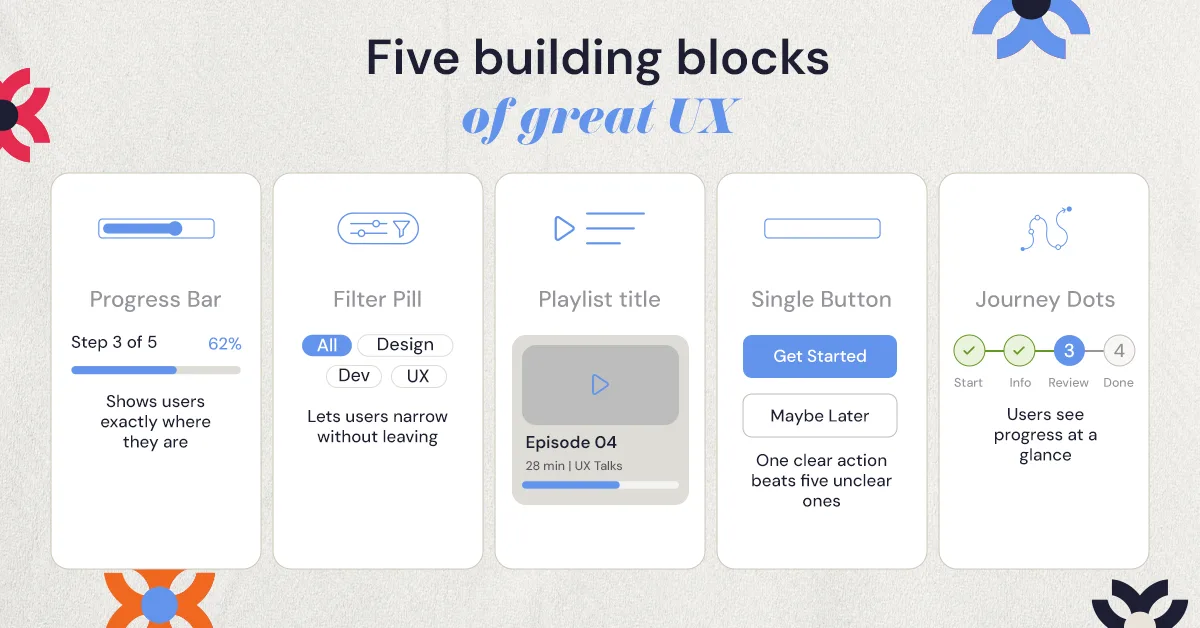
User experience optimization is the ongoing practice of improving how people interact with a product so they complete their goals faster and more often. Unlike a redesign, it is continuous and measured against specific metrics.
When you visit a website or open a mobile app, there is always an expectation. You came there for a purpose, and you want that purpose solved. At the same time, you expect the experience to be simple and intuitive. You want to find what you need quickly, complete tasks without confusion, and move through the product without friction.
But that does not always happen.
Sometimes a website loads slowly, navigation is not easy, or the next step is not obvious. When this happens, users often leave before completing the action they originally came for.
This is why user experience optimization (UXO) is important. It focuses on improving how people interact with a digital product so they can accomplish their goals easily and efficiently. To understand how this works, we first need to look at what user experience optimization is and why it matters.
What Is User Experience Optimization?
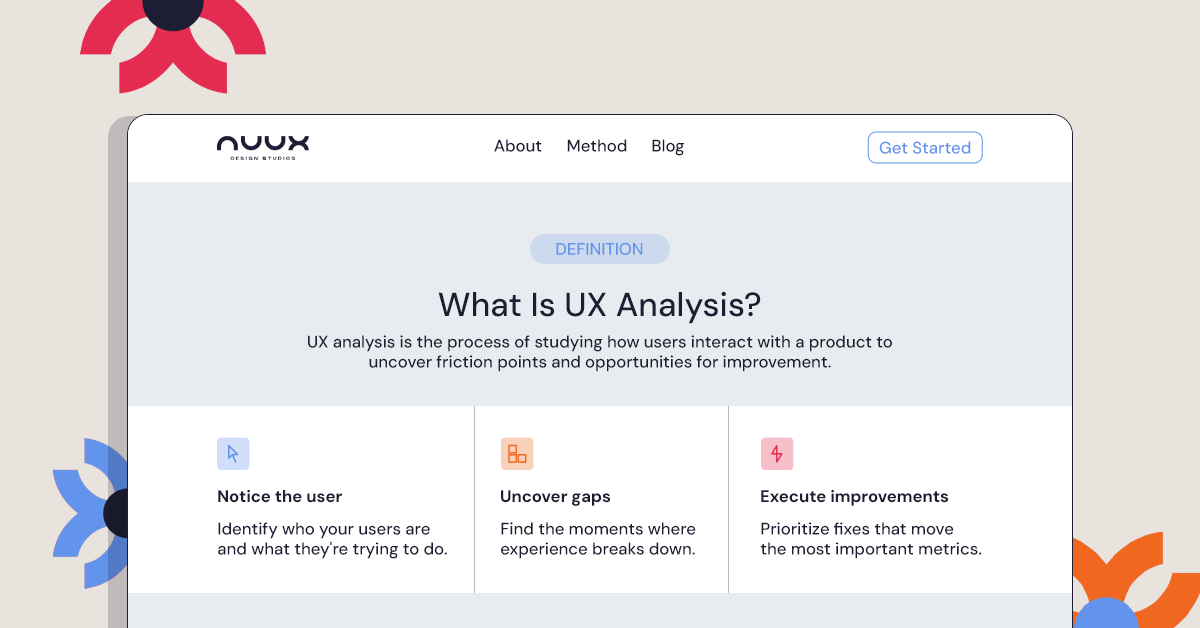
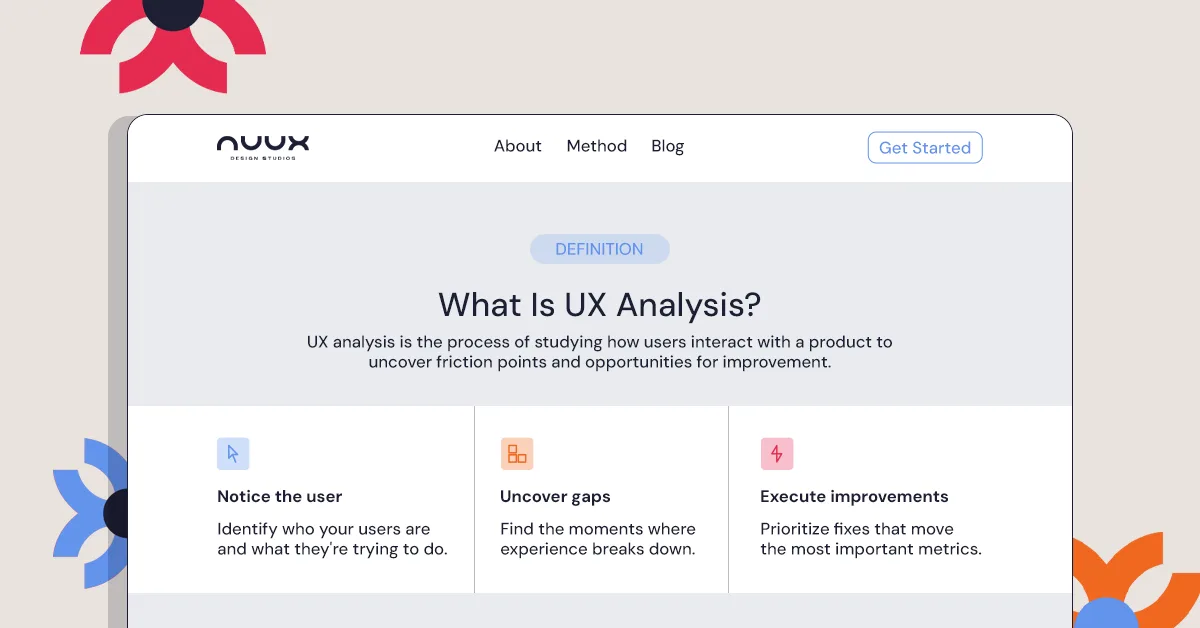
User experience optimization (UXO) is the process of improving how users interact with a website, app, or digital platform to make that experience more intuitive, efficient, and satisfying.
It involves identifying areas where users struggle, analyzing how people navigate the product, and implementing improvements that reduce friction and make tasks easier to complete.
User experience itself refers to the overall interaction someone has with a product or service, including its usability, functionality, and emotional impact.
When companies optimize that experience, they focus on elements such as:
- navigation clarity
- usability
- accessibility
- performance
- content structure
- visual hierarchy
The goal is simple: help users achieve what they came to do as easily as possible.
Unlike a one-time redesign, UX optimization is an ongoing process that involves continuous research, testing, and improvement.
Why Does User Experience Optimization Matter?
Many businesses invest heavily in marketing to drive traffic to their websites or apps. However, if the user experience is confusing or frustrating, those visitors often leave without taking action.
Improving user experience can have a measurable impact on business performance.
When users find a product easy to navigate and pleasant to use, they are more likely to engage with the content, explore additional pages, and complete desired actions such as signing up or making a purchase.
Some of the key benefits of user experience optimization include:
Higher conversion rates
A streamlined experience reduces friction and helps users complete tasks faster, which increases the likelihood of conversions.
Lower bounce rates
When visitors immediately understand how to navigate a site, they are more likely to stay and explore.
Better customer satisfaction
Positive experiences create trust and encourage repeat visits.
Improved product adoption
Users are more likely to continue using a product that feels intuitive and efficient.
Stronger brand perception
A smooth digital experience often reflects positively on the brand behind it.
For many companies, UX optimization becomes the difference between a product that users abandon and one they return to regularly.
The UX Optimization Process
Optimizing user experience is not a single action. It is a structured process that combines research, analysis, design improvements, and testing.
While different teams may approach this work in different ways, the process usually follows a series of clear steps.
To make this process easier to understand, it can be broken down into a simple framework called the NUUX Method. This method outlines the key stages involved in identifying usability issues and improving digital experiences.
The NUUX Method
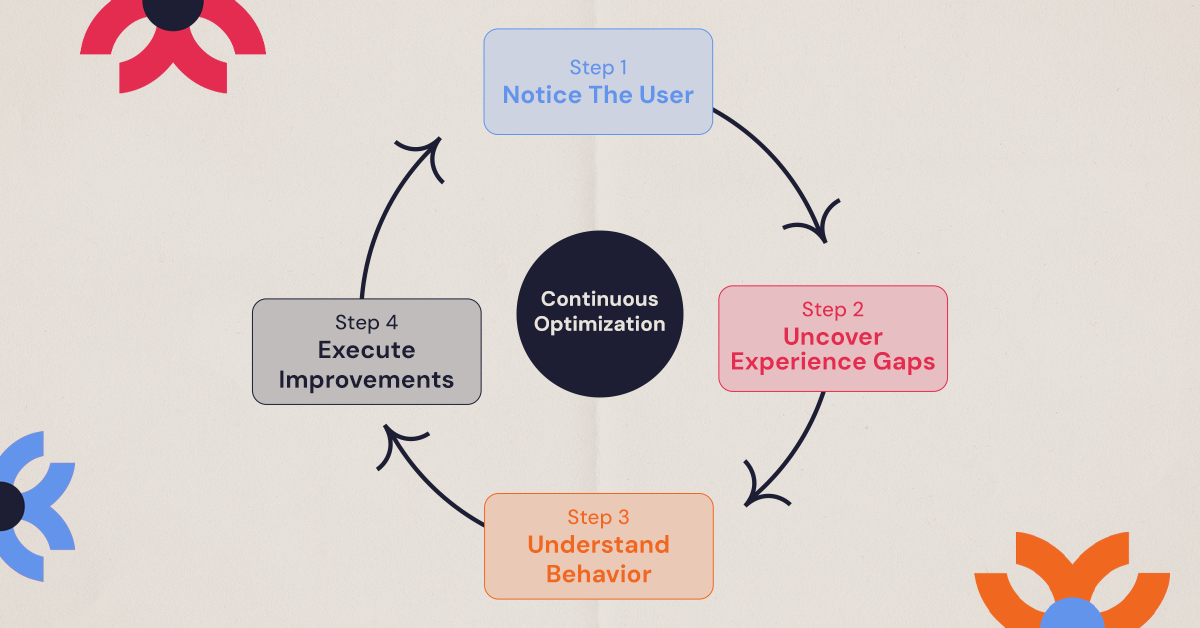
N: Notice the User
The first step is understanding the people who use the product.
This involves gathering insights about user behavior, needs, and motivations. Teams typically rely on research methods such as:
- user interviews
- surveys
- behavioral analytics
- customer feedback
User-centered design principles emphasize understanding user goals, behaviors, and context before making design decisions.
This research helps reveal what users are trying to accomplish and where they encounter obstacles.
U: Uncover Experience Gaps
Once the users are understood, the next step is evaluating the current experience.
This is done through a UX audit, where teams examine elements such as:
- navigation structure
- page layouts
- user flows
- accessibility
- content clarity
The goal is to uncover usability issues and friction points that may prevent users from completing key tasks.
U: Understand Behavior
After identifying potential issues, teams analyze real user behavior to validate those observations.
This step involves reviewing behavioral data using tools such as:
- analytics platforms
- heatmaps
- session recordings
- funnel analysis
These insights show where users hesitate, abandon tasks, or become confused while interacting with the product.
Understanding these patterns helps teams prioritize the most impactful improvements.
X: Execute Improvements
With the problems clearly identified, designers and product teams implement improvements that make the experience easier to navigate.
Common UX optimization improvements include:
- simplifying navigation
- improving information hierarchy
- Reducing unnecessary steps in workflows
- clarifying calls to action
- improving page performance
The focus is always on removing friction from the user journey.
Continuous Testing and Iteration
Even after improvements are implemented, the work does not stop.
Usability testing allows teams to observe how users interact with the updated experience and identify any remaining issues. Testing ensures that changes actually improve usability rather than introducing new challenges.
Because user expectations evolve and digital products change over time, UX optimization should always be treated as a continuous cycle of improvement.
At NUUX, this iterative approach ensures that products continue to adapt and improve as user needs change.
Top UX Optimization Strategies Every Product Should Use in 2026
There are many ways to improve user experience, but most improvements still come from fixing common issues that slow users down or create confusion. Here are some of the strategies that consistently work best in 2026.
Improve navigation
One of the first things users do on a website is try to figure out where things are. If the navigation is confusing or cluttered, people quickly lose patience.
Good navigation should help users understand where they are and where they should go next. Clear menu labels, logical page grouping, and a simple structure make it easier for people to move through the site without stopping to think.
When users can find what they need quickly, the entire experience feels smoother.
Reduce friction in user journeys
Every extra step in a process creates friction.
This often happens in places like checkout flows, onboarding processes, or contact forms. If users are asked to fill too many fields, repeat information, or go through unnecessary steps, many will simply abandon the task.
Simplifying these journeys by removing unnecessary steps or making instructions clearer can significantly improve completion rates.
Optimize for mobile
A large portion of users now interacts with digital products on their phones. If a site or product is difficult to use on a small screen, it immediately creates frustration.
Mobile optimization focuses on making layouts flexible, buttons easy to tap, and content readable without zooming or excessive scrolling.
A good mobile experience often determines whether users stay or leave.
Improve page speed
Speed has a direct impact on how users experience a website. When pages take too long to load, people often leave before they even see the content.
Optimizing images, reducing unnecessary scripts, and improving overall performance can make pages load faster and keep users engaged.
Use clear calls to action
At every stage of a digital experience, users should know what the next step is.
Calls to action, such as buttons or links, guide users toward completing tasks like signing up, booking a service, or contacting a business. When these actions are clearly labeled and easy to find, users are more likely to continue through the experience.
Small improvements in clarity can make a big difference in how people interact with a product.
What Metrics Are Used in UX Optimization?
Improving user experience is not just about making design changes. The real question is whether those changes actually make the experience easier for users.
This is why UX optimization relies on measurable signals that show how people interact with a product. Instead of relying on assumptions, the NUUX approach to UX optimization focuses on a few key indicators that reveal how the experience is performing in the real world.
These signals help uncover where users struggle, where they succeed, and where the product experience needs improvement.
Task success rate
The first thing we look at is simple: can users actually complete the task they came for?
This could be submitting a form, booking a service, completing a checkout process, or navigating to a specific piece of information.
If users consistently fail to complete these actions, it usually points to friction somewhere in the journey, unclear instructions, too many steps, or an interface that is difficult to understand.
Improving task success rate is often one of the fastest ways to improve overall user experience.
Time on task
Another useful signal is how long it takes users to complete an action.
If a task that should take a few seconds takes much longer, it often means users are hesitating, searching for the right option, or trying to understand what the interface is asking them to do.
A well-designed experience allows users to complete tasks quickly and confidently.
Bounce rate
Bounce rate helps reveal whether a page is meeting user expectations.
When visitors land on a page and leave immediately without interacting, it can signal that something is not working, maybe the content is unclear, the design is overwhelming, or the next step is not obvious.
Looking at bounce rate helps identify where the experience may be losing users early in the journey.
Conversion rate
Conversion rate shows whether users are completing meaningful actions within the product.
Depending on the business, this could include signing up, requesting a quote, downloading a resource, or making a purchase.
When friction is removed from the user journey, such as simplifying navigation or improving calls to action, conversion rates often improve as a natural result.
User satisfaction signals
Data can reveal a lot about behavior, but sometimes the most valuable insights come directly from users.
Feedback prompts, usability testing sessions, and short surveys can reveal whether users found the experience smooth, confusing, or frustrating.
These qualitative insights help explain the patterns seen in analytics.
Common UX Optimization Mistakes
While improving user experience can produce powerful results, many teams make mistakes during the process.
Some common pitfalls include:
Designing without user research
Assumptions about user behavior often lead to ineffective solutions.
Prioritizing aesthetics over usability
A visually appealing interface does not always guarantee a good experience.
Ignoring mobile users
Failing to optimize for mobile devices can limit accessibility and engagement.
Making too many changes at once
Large changes can make it difficult to determine which improvements actually worked.
Avoiding these mistakes helps teams maintain a structured and data-driven optimization process.
How to Know If Your Product Needs UX Optimization
Many businesses do not realize they have UX issues until they examine user behavior more closely.
Signs that a product may need UX optimization include:
- high bounce rates
- low conversion rates
- confusing navigation
- frequent customer complaints
- users abandoning key processes
These signals often indicate that users are encountering friction during their journey.
A UX audit can help uncover exactly where those issues occur.
Final Thoughts
User experience optimization is not just about making a website or app look better. It is about ensuring that users can interact with digital products easily, efficiently, and without frustration.
By combining research, behavioral analysis, design improvements, and testing, businesses can create experiences that truly support user goals.
The companies that invest in UX optimization consistently see improvements in engagement, retention, and conversions.
And as digital products continue to evolve, the organizations that prioritize user experience will be the ones that stand out.
Want results like this
Your website should make money, not excuses. Let us find the revenue hiding in your current experience.
FAQs
Quick answers to the questions we hear most about website conversion and UX design.
User experience optimization is the process of improving how users interact with a website or app so they can complete tasks easily, quickly, and without confusion.
You improve UX by simplifying navigation, reducing unnecessary steps, improving page speed, optimizing for mobile, and making calls to action clearer; an approach commonly used by NUUX Design Studios.
Common strategies include improving navigation, reducing user journey friction, optimizing performance, enhancing mobile usability, and using clear, visible calls to action.
UX design focuses on creating the experience, while UX optimization focuses on improving an existing experience based on real user behavior and data.
Signs include high bounce rates, low conversions, confusing navigation, and users abandoning key actions; issues typically uncovered through UX audits like those done at NUUX.
Related articles
More field notes on conversion, UX, and building websites that sell.